Target Rotation and Blade Spacing in Knife Up
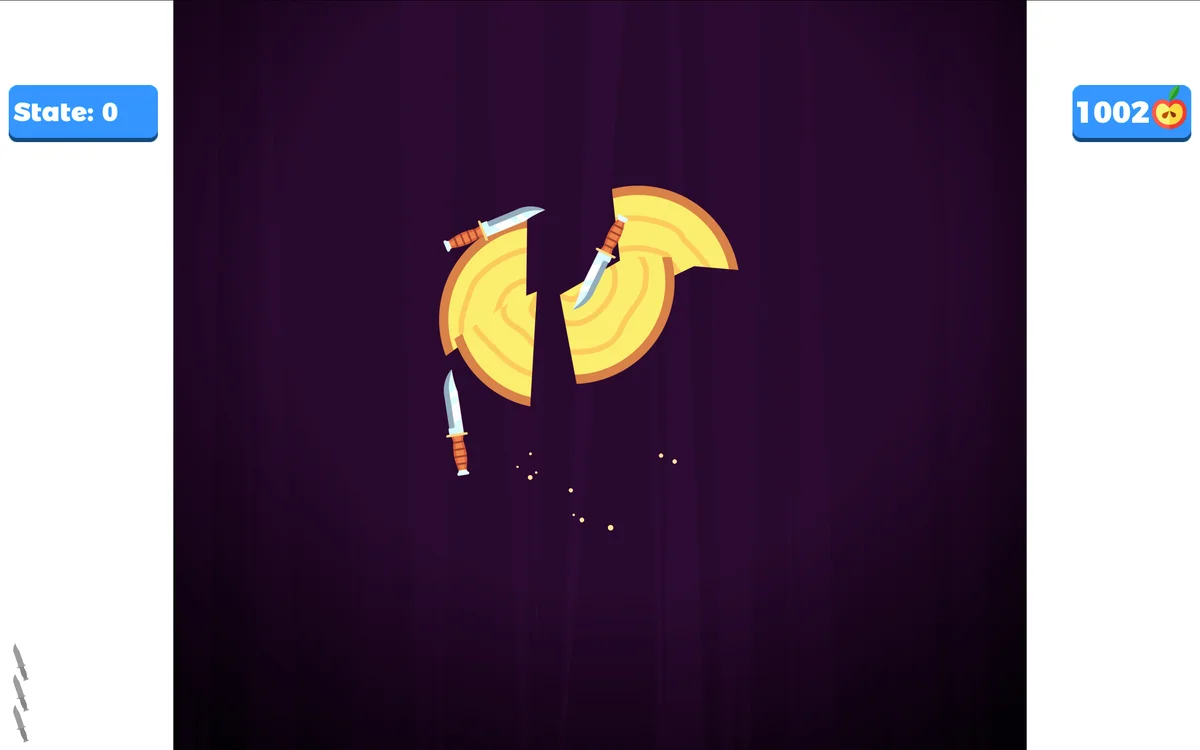
Knife Up centers on a clean, satisfying arcade action: launching throwing knives upward into a spinning circular target. You start each stage with a specific quota of knives displayed in the lower corner. Your mission is to sink every single knife into the wooden log without striking the handle or blade of any knife already stuck in the target. Completing stages lets you face off against themed boss targets with unpredictable movement patterns.
The primary tactical element in Knife Up is spatial distribution. When the target log is completely bare, you have 360 degrees of open wood. How you place your first three or four knives determines how difficult the remainder of the stage will be. If you group your early throws close together, you leave massive open gaps for later blades. If you scatter early knives haphazardly, you chop the circumference into narrow slivers that become treacherous to fill.
Reading Rotation Shifts and Stutters
Standard wooden targets rotate in a steady loop, but higher stages and boss levels introduce erratic motor behaviors. A target might spin clockwise at high speed, suddenly brake to a dead stop, and then accelerate counterclockwise. Throwing a knife while the target is in the middle of a speed shift is the most common cause of failure.
Spend the first rotation cycle analyzing the target behavior. Identify when the target decelerates or pauses. These brief moments of standstill or smooth linear rotation represent your golden firing windows. Never throw when the log is actively stuttering or reversing direction, as the sudden shift will sweep an existing knife straight into your incoming blade.
Executing Tight Gap Placements
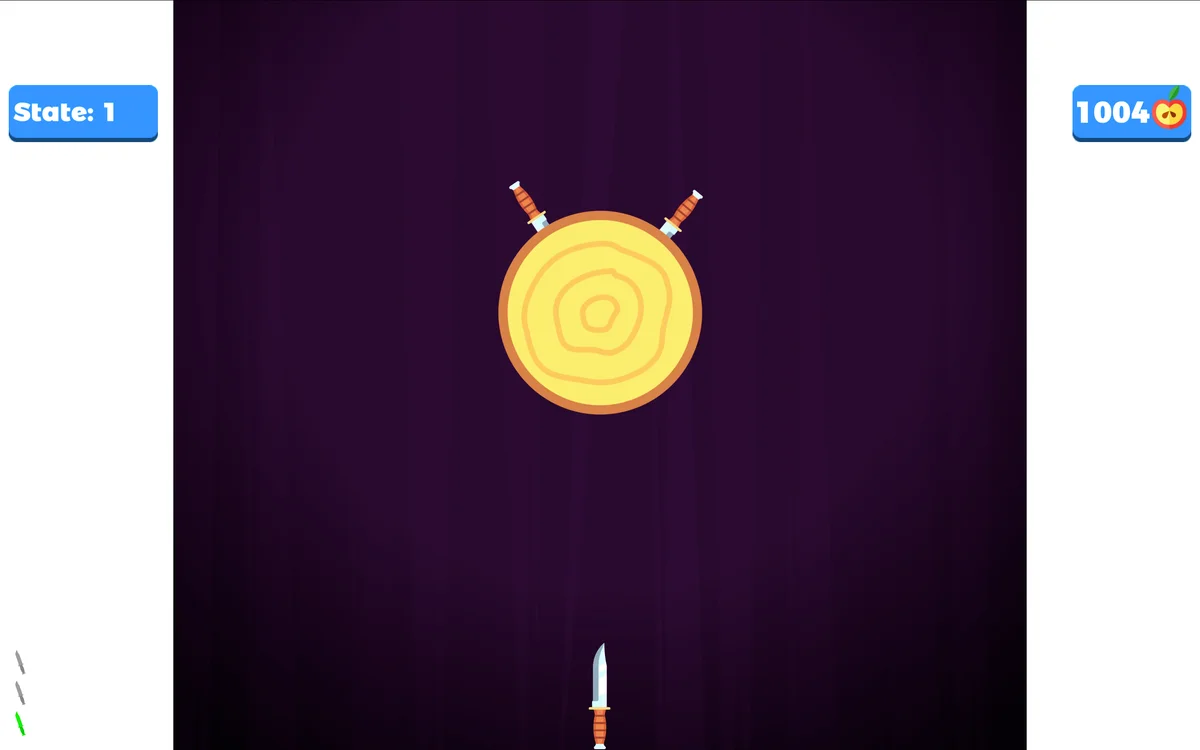
When you have only one or two knives left to throw and the board is crowded, the remaining open sectors can be barely wider than the knife hilt itself. Sinking a blade into a tight gap requires tracking the leading edge of the opening. Pick the blade that is rotating toward your crosshair and watch its tail. The instant that knife tail clears your firing line, tap immediately.
This ensures your knife slips into the opening right behind the passing blade, maximizing the safety buffer between your new knife and the trailing blade behind it. Never aim for the middle of a narrow gap: aim right behind the knife that is rotating away from you.
Apple Collection Versus Stage Progression
Red apples frequently spawn pinned to the target. Slicing apples with your knives collects fruit currency used to unlock new knife skins in the shop. While collecting apples is fun, prioritizing an apple in an awkward position can cost you the run. Only go for an apple if there is plenty of clearance around it. If an apple sits right between two preexisting blades, treat it as a hazard and place your knife in an open quadrant instead.
On mobile screens, tap near the bottom center of the display with a relaxed thumb. On desktop computers, using the spacebar often feels more natural and rhythmic than a mouse click. Keeping a steady pulse and respecting the rotation rhythm will carry you through dozens of consecutive stages.