Stroke Order and Letter Flow in Alphabet Tracing
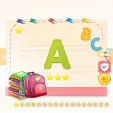
Alphabet Tracing takes you through all 26 uppercase English letters, starting at A and wrapping up at Z. The game lays each letter out across a lined notebook page with a wooden desk border. If you expect a loose finger-painting sandbox where any scribble counts, this is not that. The game treats letter formation like actual handwriting practice: you follow strict stroke orders marked by orange numbered nodes and directional dashed arrows.
How the Numbered Waypoints and Directional Arrows Work
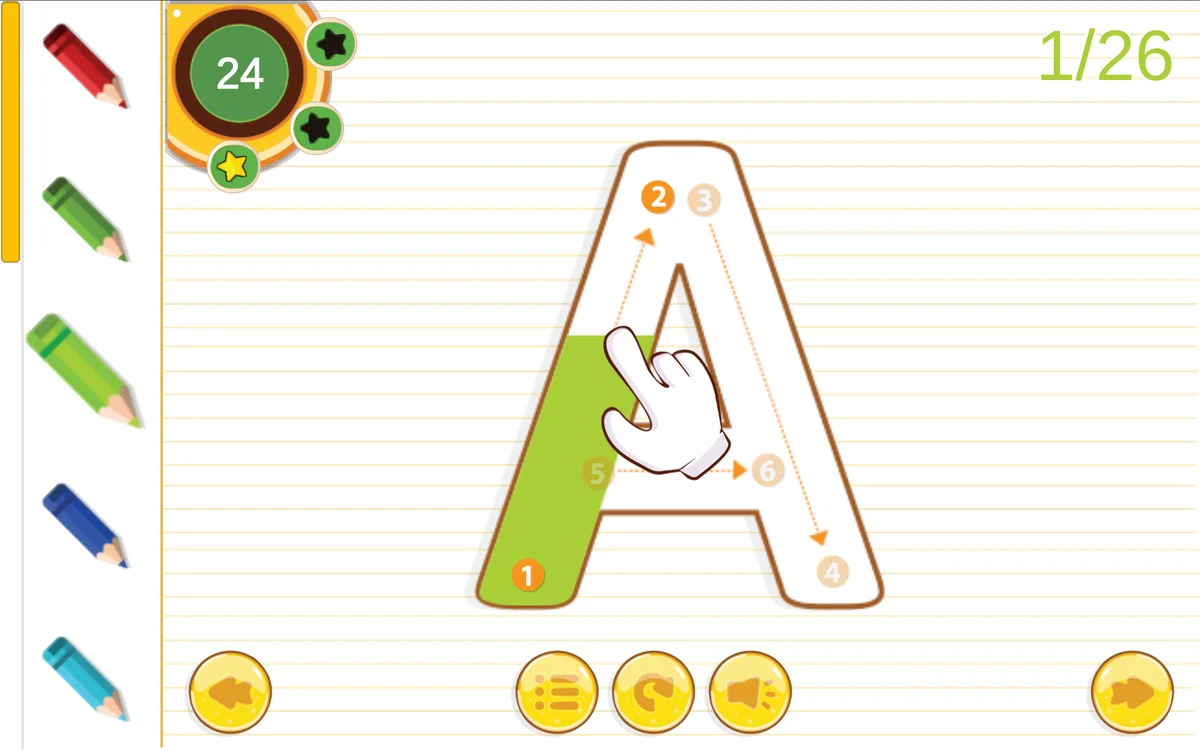
Each letter splits into numbered segments. You have to complete them in numerical order. On the letter A, for instance, node 1 sits at the bottom-left baseline with an arrow pointing up to node 2 at the apex. You click or press down on node 1, hold the button, and pull your cursor straight up the guide track. When your cursor hits node 2, that leg fills in with solid color and the game activates node 3.
Stroke 2 starts at the top (node 3) and runs down to the bottom-right baseline at node 4. Only after both diagonal legs are in place does the middle crossbar unlock between nodes 5 and 6. If you try to jump straight to the crossbar or drag from 2 down to 1 in reverse, nothing happens. The game registers zero progress until you start on the active node and pull in the arrow direction. Letting go of the mouse mid-stroke resets that specific line, so you have to draw each segment in one clean pull.
Handling Curved Strokes and the Three-Star Timer
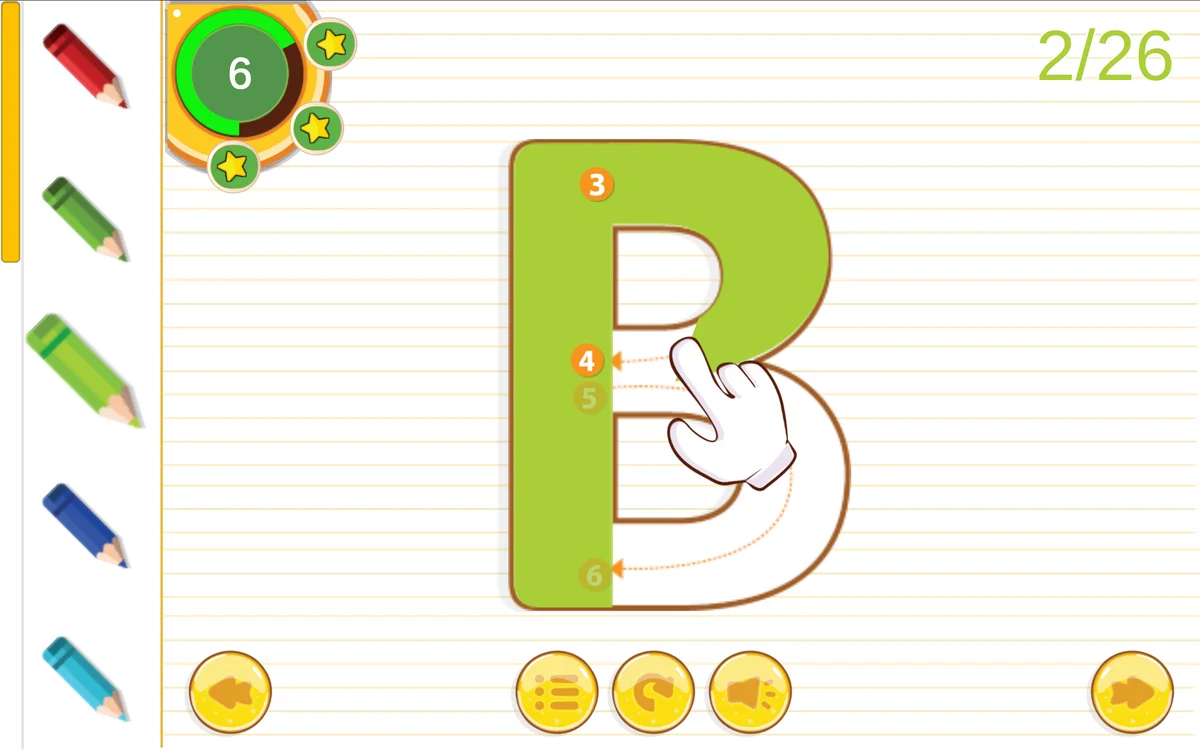
Straight lines are forgiving, but letters with curves are where players usually slip up. On B, C, D, G, and S, the white guideline track curves sharply. If you cut across the empty space inside a loop instead of following the curve around, your pencil stops laying ink and the line snaps back to the starting node. The trick is to steer through the center of the track at a steady pace rather than flicking the cursor across the screen.
Every letter has a circular timer in the top-left corner with three stars embedded along its rim. The countdown gives you plenty of room to finish comfortably, but each reset eats into your time. When the clock runs low, you lose stars one by one. Slow, steady dragging will earn three stars on every single letter, whereas rushing and restarting a curved stroke twice can easily knock you down to two stars.
Color Palettes, Controls, and Device Handling
A vertical pencil rack on the left edge lets you swap ink colors on the fly. You have five choices: red, forest green, lime, royal blue, and sky blue. Tapping a new pencil changes your color for the very next stroke without resetting the letter you are working on. Along the bottom edge, navigation buttons let you skip backward or forward through the alphabet, jump to the main menu, mute audio, or wipe the current letter clean with the circular restart icon.
The game plays well with either a mouse or a touchscreen, but each setup has its own quirk. On a laptop trackpad or desktop mouse, keeping your tracking speed at a moderate setting prevents pointer jitter around tight curves. On a phone or tablet, drawing with your index finger or a stylus gives far better line control than using a thumb. Just keep your resting hand off the screen, because a stray palm touch can break your stroke midway through a letter.