Perimeter Routing and Grid Management in Connect Dots
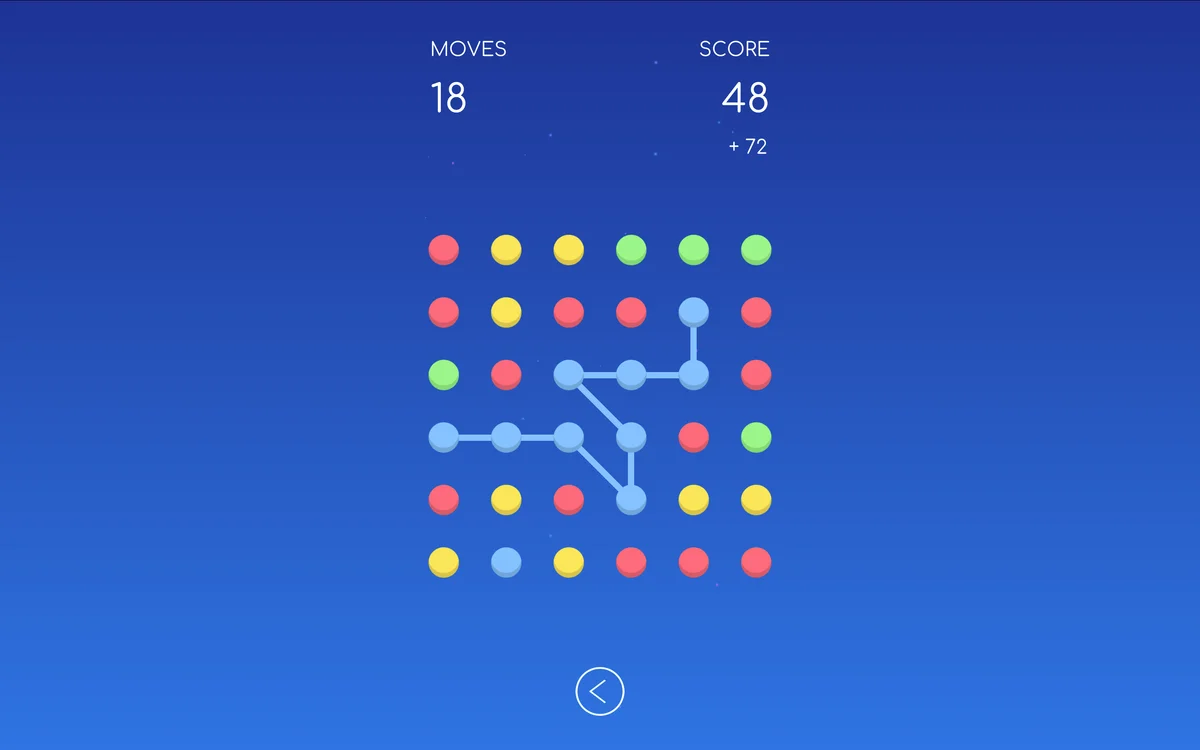
Connect Dots places pairs of matching colored nodes on a square grid. Your job is to draw an unbroken line connecting each color pair. While linking two matching points sounds easy, the catch is twofold: lines cannot cross or overlap, and every single tile on the board must be filled by a path to complete the stage. A solution that connects all dots but leaves two empty squares in a corner is not a win.
This dual requirement turns simple line drawing into an exercise in spatial geometry. A route that appears short and direct can easily cut off a neighboring color, walling it into a dead-end pocket. Solving boards cleanly requires thinking about perimeter flow and respecting grid boundaries.
Prioritizing Constrained Edge and Corner Dots
The easiest way to begin any stage is to inspect the four corners and the outer walls. Nodes positioned along the perimeter have fewer degrees of freedom than nodes situated in the center. An endpoint tucked into a corner has only two possible exit directions, whereas an interior dot has four. Because the corner dot has minimal flexibility, its path route is often forced.
Trace these perimeter-hugging lines first. By wrapping your paths along the outer border, you wrap the boundary of the board cleanly while leaving the entire middle area completely open. If you instead run lines directly across the center of the grid, you carve the board into separate halves. Once a board is bisected, any color pair with endpoints on opposite sides becomes impossible to connect without crossing an existing line.
Keeping Open Corridors for Center Nodes
As perimeter lines lock into place, the remaining playable grid shrinks into a compact central corridor. Look at the remaining pairs and assess their relative positions. When two pairs share the same central corridor, determine which path must loop around the other. The node positioned closer to the outer ring should usually travel along the remaining outer track, allowing the interior node to make a direct connection.
Always watch the empty tiles along the edges. Because the stage rules require 100 percent grid coverage, your lines must sometimes take slight detours to fill otherwise neglected squares. If you see a lone empty tile bordered on three sides by walls or finished paths, route an adjacent line through that square. Leaving single-cell gaps is the most common reason players complete all connections yet fail to trigger the stage victory.
Finger Drag Precision on Mobile Displays
Connect Dots plays smoothly with either a mouse or a touchscreen, but touch controls require a steady hand. When dragging your finger across small grid squares, your fingertip can obscure the active tile. If your swipe wavers slightly into an adjacent column, the path bends automatically and can accidentally overwrite a previous line.
To maintain clean input, pull your finger slightly ahead of the line rather than pressing down flat on the cursor point. If you notice a line took a messy detour, simply tap the original colored node again to retract the line back to its starting point. Drawing deliberate, square-by-square segments keeps your routes crisp and prevents frustrating line tangles.