Cognitive Sorting and Spawn Point Anchoring in Classify
Classify is an intense cognitive reflex game that tests how rapidly your brain can process visual information and execute binary decisions under strict time pressure. Viewed from a crisp top-down perspective, various everyday objects: fruits, animals, tools, vehicles, organic matter, and synthetic products drop steadily down a central chute toward two designated collection bins positioned on the left and right.
Your task is simple: inspect each falling item and flick it into the correct bin before it crosses the bottom baseline divider. A correct sort awards points and advances your combo streak. A single incorrect sort or allowing an item to touch the divider unassigned ends your shift immediately. As your score climbs, drop speeds accelerate, transforming casual sorting into a breathless test of instinct.
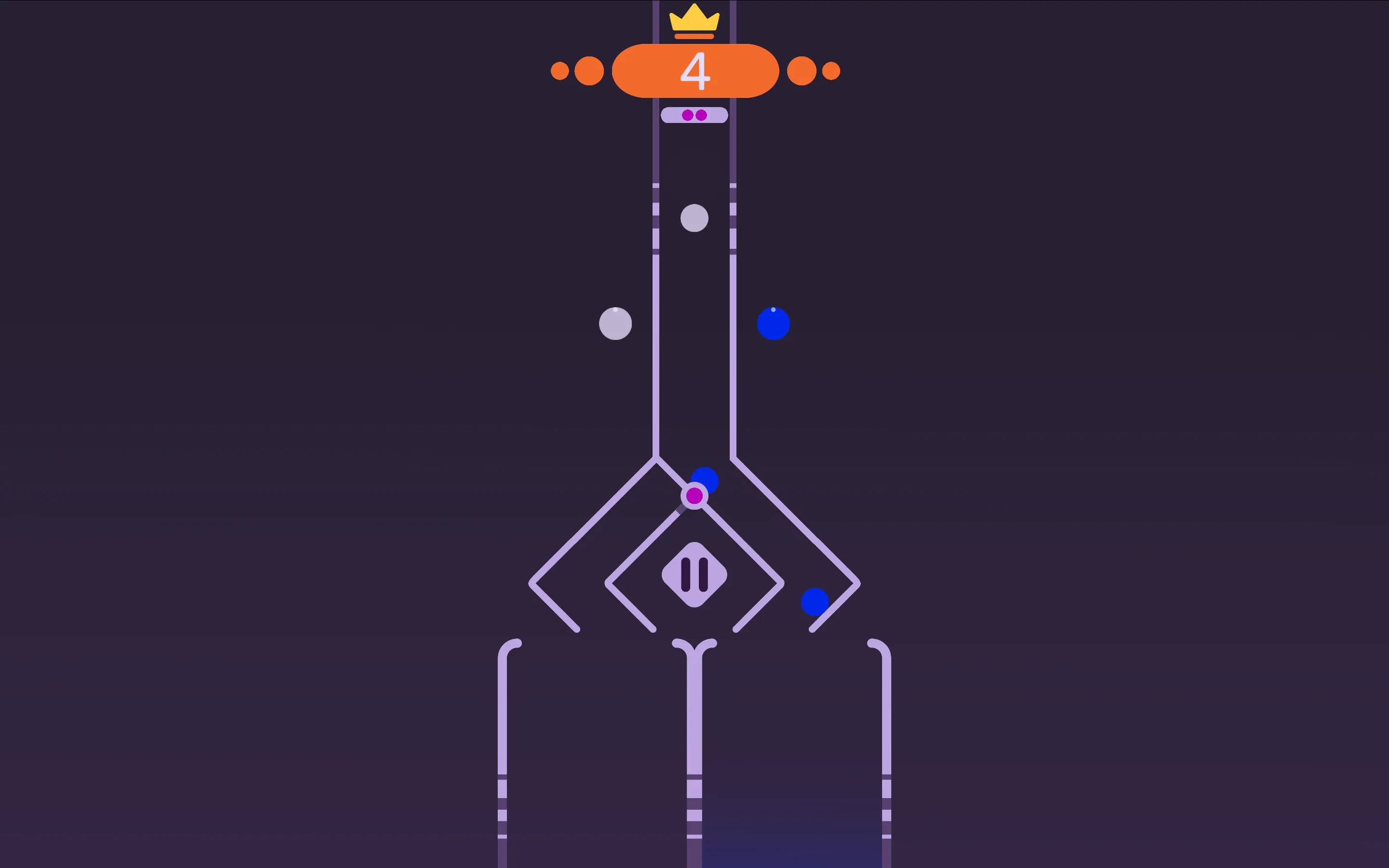
The Golden Technique: Anchor Your Eyes at the Spawn Point
The single biggest mistake new players make in Classify is eye tracking. They watch an item spawn at the top of the chute, follow it with their eyes as it descends, and only press a sorting key when the object is inches from the bottom bins. Tracking an item throughout its entire drop wastes precious visual attention and leaves you blind to whatever is spawning behind it.
To achieve high-tier streaks, anchor your gaze firmly near the top entrance of the chute. Do not watch the object fall. The millisecond an item enters the screen, identify its category: animal or plant, hot or cold, edible or inedible, and immediately trigger the corresponding directional key or tap. By classifying objects at the spawn point, you make your decision with maximum lead time, allowing your hands to operate on pure muscle memory.
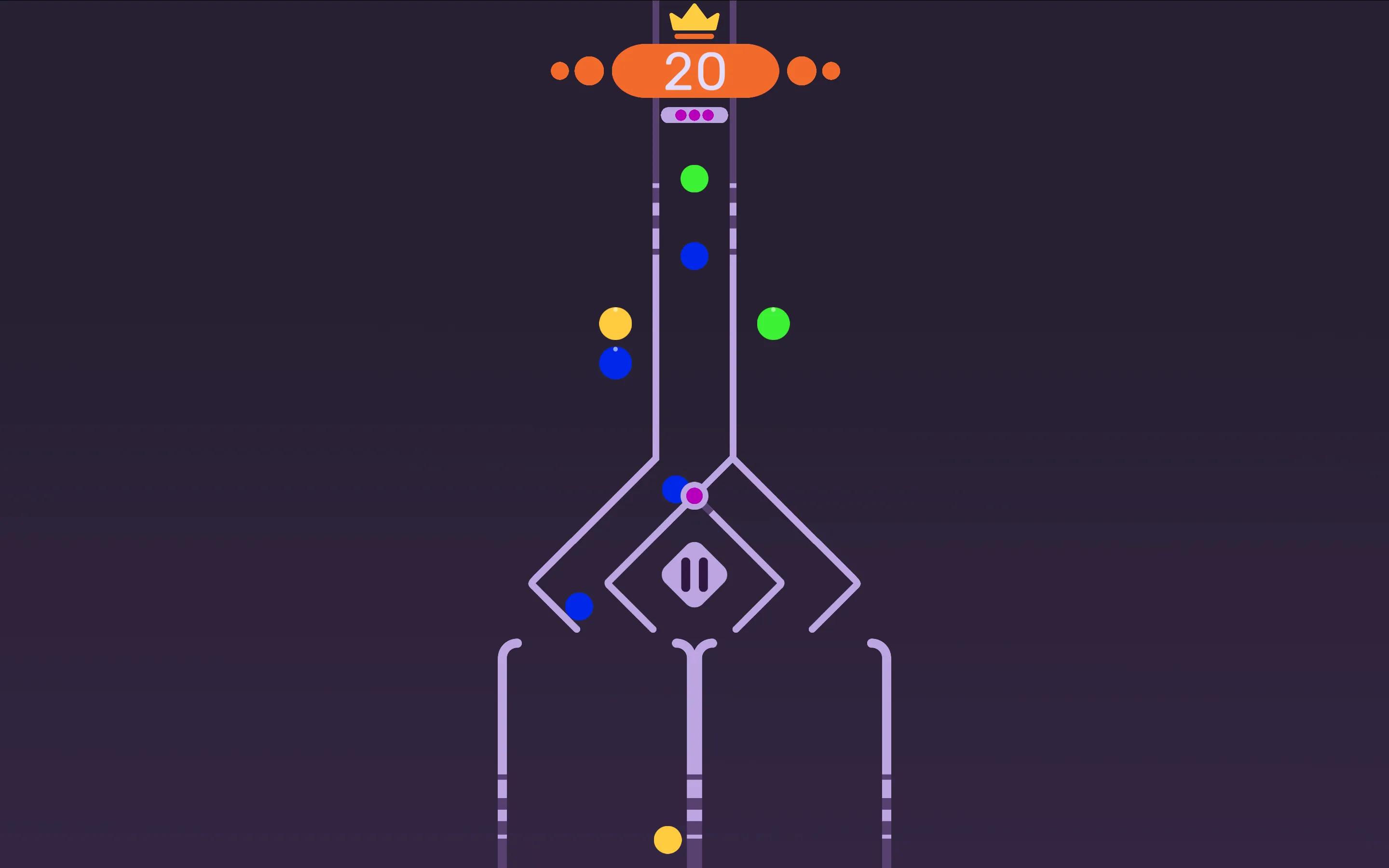
Managing Cadence and Ambiguous Edge Cases
As the sorting velocity ramps up, avoid erratic panic tapping. Rapid, jerky double-taps often send the next incoming item into the wrong bin before your brain has even evaluated its category. Establish a steady, metronomic cadence: identify, tap, reset; identify, tap, reset.
Pay close attention to category edge cases. For instance, when sorting between living creatures and inanimate objects, a wooden chair might briefly trigger tree memory, or a stuffed teddy bear might look like an animal. Familiarize yourself with the visual silhouettes of these tricky items during early rounds so that when they appear at top speed, your hands react with zero hesitation.
Classify Sorting Strategy and Player Q&A
How do you react quickly enough when items fall at maximum speed?
Fix your eyes at the very top of the screen where items first appear. Classifying items the instant they spawn gives your hands the maximum possible time to execute the correct left or right tap.
What happens if an item touches the bottom divider without being sorted?
Allowing an item to cross the bottom dividing line without assigning it to a bin counts as a miss, resulting in an immediate Game Over. Active classification is required for every item.
Can you change an item direction after initiating a sort?
No. Once you tap left or right to flick an item toward a bin, its trajectory is locked. Double-tapping the opposite direction will apply to the next incoming item, which often leads to accidental mistakes.
Are keyboard controls or touch controls faster for high scores?
On mobile phones, resting both thumbs over the left and right sides of the screen allows for lightning-fast binary inputs. On desktop, using the A and D keys provides crisp, tactile response times with minimal finger travel.