Binary Arithmetic Drills and Split-Second Verification in Math Challenge
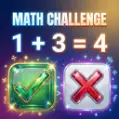
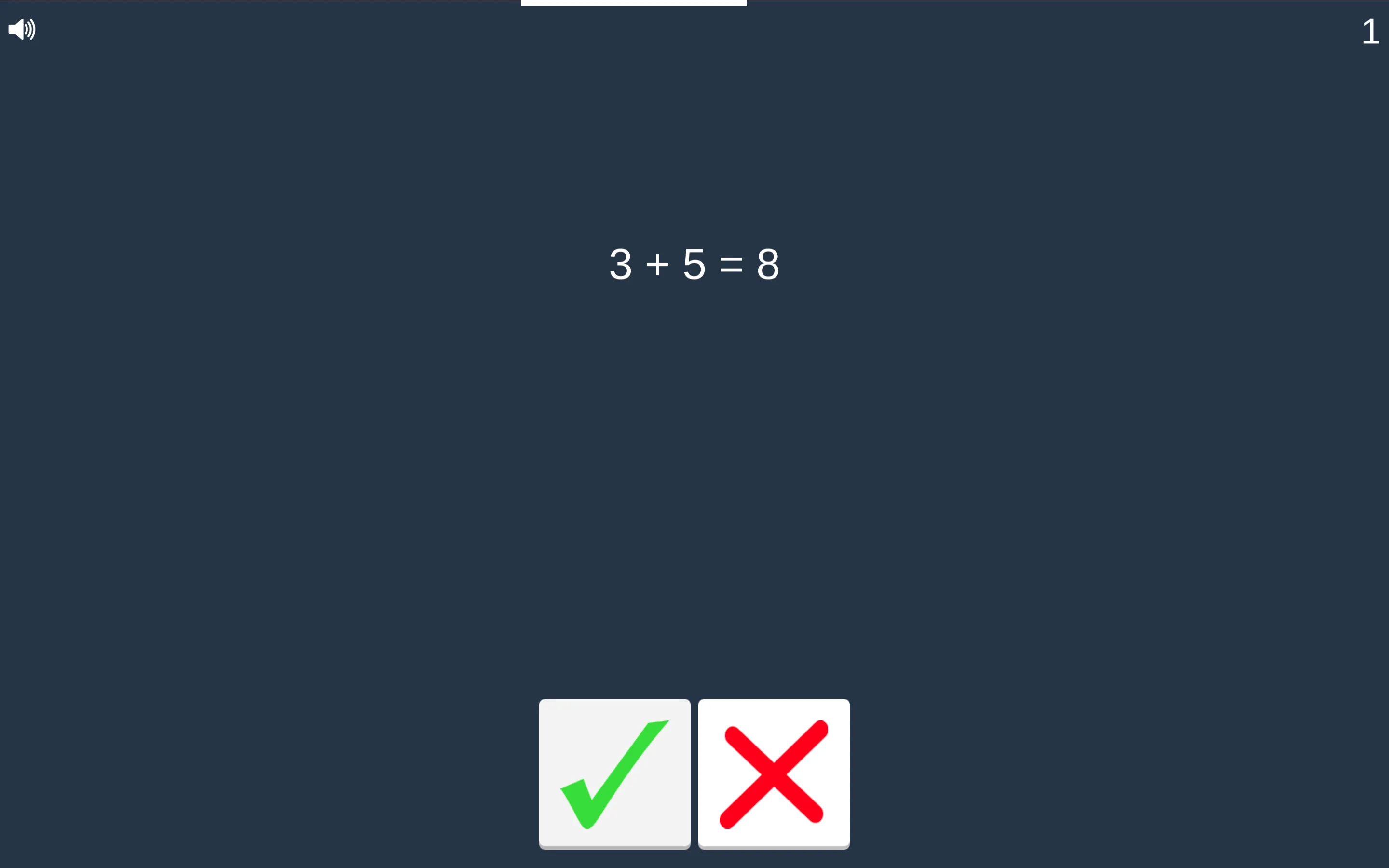
Math Challenge strips mental arithmetic down to its purest, fastest form. Rather than forcing you to type out multi-digit solutions on a numeric keypad or pick through four confusing multiple-choice cards, the game presents a complete mathematical expression and asks one fundamental question: is this equation true or false? Your entire run hinges on two large primary inputs: a bright green circular checkmark on the left and a bold red cross on the right.
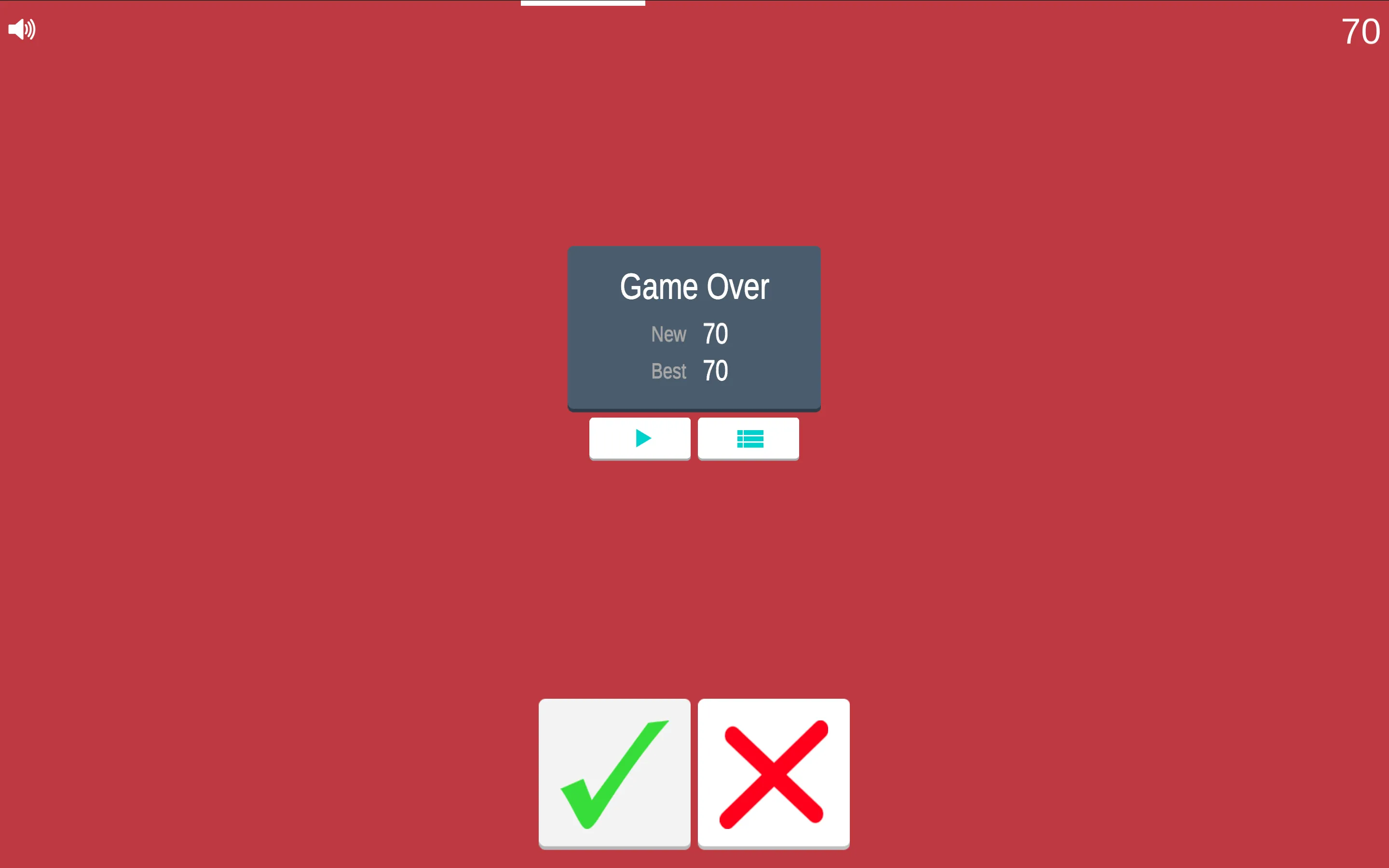
The core tension comes from the unrelenting timer bar at the top of the screen. You are given roughly two seconds to ingest the numbers, evaluate the mathematical operator, verify the total, and tap the correct response. A single miscalculation or moment of hesitation immediately ends the run, logging your final score alongside your all-time personal best.
Mental Short-Cuts for Rapid Equation Verification
When you reach double-digit scores in Math Challenge, calculating every operation from scratch becomes impossible. Successful players rely on visual heuristics to filter out false equations within a fraction of a second:
- Unit Digit Inspection: When checking an addition problem like 27 + 15 = 43, look exclusively at the ones column: 7 plus 5 equals 12, which ends in 2. Because the printed answer ends in 3, you can hit the red cross instantly without ever calculating 20 plus 10.
- Parity Rules: Parity never lies. Even plus even equals even; odd plus odd equals even; even plus odd equals odd. If the game displays an odd number plus an even number with an even result, it is mathematically impossible and can be rejected immediately.
- Order of Magnitude Spotting: For quick multiplication prompts, look at the overall scale. If an equation suggests that 8 times 9 equals 56, an immediate recognition of magnitude lets you reject the error before calculating the precise product of 72.
Optimizing Physical Input Speed on Mobile and Desktop
Physical setup matters just as much as mental calculation speed in Math Challenge. On mobile devices, hold your phone in landscape or portrait orientation with both hands, placing your left thumb directly over the green checkmark and your right thumb over the red cross. This split-thumb layout removes physical travel time, allowing your brain to send firing signals directly to the corresponding thumb without moving your hands.
On desktop computers, position your mouse cursor midway between the two circular buttons. Minimize wrist movement and rely on crisp, short clicks. If you find your cursor drifting toward one side after a string of consecutive true answers, reset your pointer to the midpoint during the brief inter-question transition animation.
Rapid Mental Arithmetic and Session Strategy Insights
What mathematical operations appear during a Math Challenge session?
The game primarily cycles through core elementary arithmetic, including addition, subtraction, and multiplication. Problems range from basic single-digit sums to double-digit combinations that test your working memory and estimation reflexes.
Does the countdown timer reset after every correct answer?
Yes. Successfully selecting the correct checkmark or cross refills the horizontal countdown meter back to full for the next equation. However, as your score streak climbs higher into double digits, the rate at which the timer depletes accelerates, demanding sharper reflexes and faster pattern recognition.
What happens when you hit the wrong button or run out of time?
The game enforces a strict sudden-death rule. Tapping the incorrect button or letting the timer bar empty completely triggers the Game Over screen immediately. There are no spare lives or health pools, making consistency and calm focus essential for high score runs.
Can you practice specific operations or difficulty tiers?
The standard challenge mode presents a continuous progression that starts with accessible arithmetic and gradually mixes in tighter time windows. Replaying runs is instant via the Replay button, allowing you to cycle through dozens of practice equations in a matter of minutes.