

A common misconception in game design is that mechanical complexity requires complicated control schemes. In practice, many of the most demanding browser puzzles rely on interactions a player learns in five seconds: pouring a liquid, sliding a tile into an empty slot, or pulling a metal pin.
The depth does not live in your fingers; it lives in the rules governing the board state. When input friction drops to zero, the player's entire focus shifts toward anticipating consequences. A simple action becomes interesting when it is irreversible or when solving an immediate problem destroys a staging option needed three moves later.
This balance reflects Nolan Bushnell's classic axiom of game design: easy to learn, difficult to master. By examining how minimalist mechanics generate genuine strategic friction, players can approach these games with better decision frameworks.
Turn-Based Pacing and Ergonomic Freedom
Action games demand synchronous coordination: you must react to moving obstacles within narrow millisecond tolerances. Logic puzzles, by contrast, are asynchronous. The state of the board remains static until you choose to commit an action.
This fundamental separation between thought and execution makes browser puzzles uniquely suited for one-handed, mobile play. Because there is no dexterity penalty for pausing, a player can hold their phone with one hand, evaluate multiple branching move trees, and execute with a single tap or drag. The physical demand never interferes with cognitive deduction.
Discrete Stage Architecture & Non-Punitive Failure
The structure of modern browser puzzle games generally centers on self-contained levels rather than endless survival loops. A discrete stage typically requires sixty to one hundred and twenty seconds of deliberate problem-solving. This creates natural stopping points that fit brief intervals of free time without introducing mental fatigue.
Equally important is the design of failure states. In classic arcade titles, a mistake triggers sudden death or strips lives. Well-crafted logic puzzles adopt non-punitive architectures:
- Instant Undo Capability: Allowing players to step back an invalid move preserves the learning process without forcing complete level restarts.
- Transparent Rule Feedback: When a move cannot be made (such as pouring onto a mismatched color or dropping an oversized block), the game communicates the constraint immediately without penalty.
- Deterministic Solutions: Board layouts are not randomized to create artificial difficulty; every stage is an intentional logical lock with an achievable key.
Featured Logic & Puzzle Games on GamesLoom



Four Core Paradigms of Browser Puzzle Logic
1. Buffer Scarcity and Staging Stacks: Water Sort Puzzle & Ball Sort
Sorting puzzles represent a pure distillation of capacity constraints. In Water Sort Puzzle and Ball Sort, the player interacts with cylindrical tubes containing stacked, multi-colored units. The mechanics are simple: you pick up the top unit and transfer it to another tube. However, transfers are governed by two strict physical laws:
- You can only deposit onto an identical color or into an empty tube.
- Each tube has a strict volume limit (typically four units).
The mathematical challenge in sorting games revolves around empty tube preservation. An empty tube is a universal buffer; it accepts any incoming element, providing the temporary holding space needed to rearrange buried layers. Novice players often fill empty tubes immediately to achieve partial color matches. Experienced players treat empty tubes as finite operational capital, keeping at least one tube unoccupied until the final segregation sequence is guaranteed.
2. Spatial Tessellation Without Rotation: Block Blast Puzzle Game & Fill Hexa Puzzle Game
Block-placement puzzles test geometric foresight under rigid dimensional boundaries. In Block Blast Puzzle Game, players receive randomized polyomino pieces, dragging them onto an 8x8 orthogonal grid. Completing a horizontal or vertical row clears those tiles.
The crucial constraint: pieces cannot be rotated.
This transforms piece evaluation. A 3x3 square or a 5-unit line cannot be adjusted to fit awkward corners; it demands dedicated, contiguous space. Placements that clear a single line but leave jagged, non-contiguous gaps in the board center frequently result in sudden lockouts when larger shapes appear in the queue.
Fill Hexa Puzzle Game takes this geometric tension onto a hexagonal honeycomb. Because hexagons share edges across three diagonal axes rather than two orthogonal axes, lines clear in three distinct directions. A placement that aids a northwest-to-southeast clear may disrupt a northeast-to-southwest clearing lane. The player must calculate spatial density across three vectors simultaneously.
3. Causal Dependency Chains: Screw Pull & Rescue Hero
Pin and fastener puzzles translate abstract logic into physical simulations where gravity and structural overlap determine the order of operations.
In Screw Pull, multi-layered metal and acrylic plates are fastened to a perforated board by threaded pins. Removing a screw frees that specific hole, allowing an overlapping plate to pivot or drop under gravity. The dilemma is structural dependency: removing screw A might allow a heavy upper beam to swing downward, permanently blocking access to screw B below it. Solving the stage requires reading the mechanical layering from top to bottom before turning a single thread.
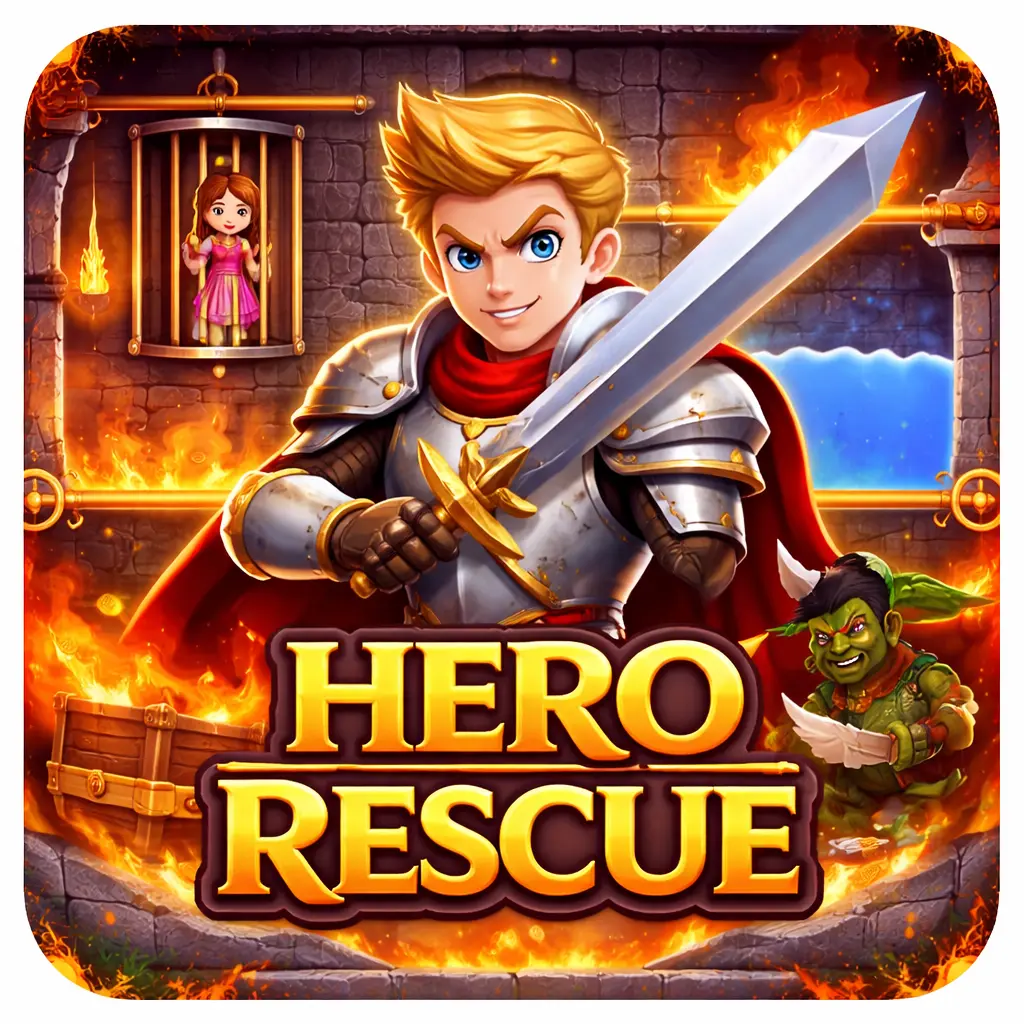
Rescue Hero extends this principle to environmental hazard isolation. Sliding pins separate characters from lethal threats like lava, collapsing boulders, or predators. The mechanical sequence must obey physical cause and effect: draining water onto lava creates solid rock; releasing treasure directly onto an active hazard incinerates the reward. Success depends on recognizing which sub-problem must be resolved before the primary objective can be safely cleared.
4. Continuous Eulerian Path Deduction: One Line
One Line reduces puzzle interaction to an absolute minimum: dragging a single continuous line across a geometric node network. The rules are uncompromising: every connecting line segment must be traced exactly once without lifting your finger or retracing a path.
The underlying mathematics traces back to Euler's Seven Bridges of Königsberg. A network can only be solved with an unbroken single path if it possesses either zero or exactly two vertices with an odd number of intersecting edges. If a shape has two odd-degree vertices, the path must begin at one odd vertex and conclude at the other. Attempting to start from any even vertex guarantees failure, regardless of how cleverly the subsequent segments are traced. The puzzle rewards upfront structural analysis rather than trial-and-error drawing.
Evaluating Moves Before Committing
Improving at minimalist puzzle games does not require faster finger speed. It requires developing a consistent evaluation habit before touching the screen:
- Identify the Bottleneck First: In sorting games, locate the deepest buried color. In block puzzles, locate the largest open rectangular quadrant. In pin puzzles, locate the anchor pin holding the outermost layer.
- Assess Reversibility: Before executing an action, check if it can be undone without losing position. Actions that consume a buffer tube or lock in a block placement should be committed only after confirming subsequent placements.
- Look Ahead One Full Cycle: In block games, verify that your placement leaves viable space for all three tiles in the current queue, not just the one currently being dragged.
By focusing on spatial constraints, sequence dependencies, and buffer management, players can find lasting engagement in games where the controls take seconds to grasp.
For players seeking faster, reflex-oriented challenges built around single-touch inputs, read our companion guide on One-Hand Browser Games and Reaction Windows or browse our complete Puzzle Games Collection.