

Single-hand mobile gaming succeeds or fails on a basic ergonomic reality: the thumb has a limited natural arc of motion. When a browser game requires two hands to hold the handset, coordinate virtual thumbsticks, and hit floating trigger buttons, friction rises immediately. The titles that hold player attention during brief pauses in a day do the opposite. They map the entire play space to a single contact point, allowing someone to launch a session, read the board, and react without changing their grip.
Designing for one hand does not mean dumbing down the challenge. Stripping out secondary buttons shifts the entire design burden onto timing, spatial awareness, and feedback latency.
The Ergonomics of Single-Thumb Input
On modern touchscreen displays, the comfortable thumb reach covers roughly the lower third of the screen. Anything requiring continuous precision taps along the upper corners forces awkward hand shifts or introduces accidental palm touches against the bezel.
Fast-paced browser games adapt to this constraint through three primary input styles:
- Fixed-Cadence Tapping: The screen acts as an omnidirectional trigger. It does not matter where the finger lands; the only variable that counts is when contact occurs.
- Contact-and-Hold Steering: The thumb remains pressed to the surface, dragging across a horizontal or radial axis to guide velocity.
- Directional Vector Reversal: Each discrete tap alters the actor's trajectory by a fixed angle, turning movement into a rhythmic decision rather than continuous manual steering.
When an input mechanism is this direct, mechanical clarity becomes critical. If a game introduces even fifty milliseconds of touch-event latency or stutters during a canvas redraw, the player immediately feels the mismatch between their finger motion and the on-screen result.
The Instant Restart Loop
A central reason reflex-focused browser titles fit short sessions is their failure economics. In traditional video games, failure comes with a penalty: loading screens, lost checkpoints, and slow respawn sequences.
Short-session arcade games remove that delay. A mistake ends the run immediately, and a single tap restarts it within fractions of a second. This rapid loop (attempt, mistake, instant reset) keeps mental momentum alive. The player does not dwell on the mistake; they immediately apply what they just observed about obstacle velocity or timing into the opening seconds of the next run.
The ideal session length in these games ranges from ninety seconds to three minutes. That is long enough to test reaction boundaries and short enough that walking away after a failed run carries zero friction.
Featured One-Hand Reflex Games on GamesLoom




Breaking Down the Input Mechanics
1. Knife Up: Rotational Timing & Zero Recovery Margins
Knife Up is an uncompromising study in rotational timing. The player taps anywhere on screen to launch a knife vertically into a spinning target. The rule is absolute: your knife cannot strike the handle or blade of any knife already embedded in the block.
Because the target's rotational speed fluctuates, pausing, reversing direction, or accelerating unpredictably, the player cannot rely on pure muscle memory. Success demands visual tracking of the open gaps and anticipating where a clearance window will be when the knife reaches the perimeter. Because an errant tap terminates the round instantly, the tension increases with every knife placed.
2. Car VS Cops: Momentum, Inertia, and Tight Arc Evasion
Instead of timing single taps, Car VS Cops relies on continuous touch steering across an open plane. Multiple police cruisers chase your vehicle, attempting to ram and disable you.
The core mechanic revolves around turning radius and inertia. Your car has a tighter turning circle than the pursuing squad cars. By dragging your thumb to execute sharp, circular cuts across the arena, you bait chasing vehicles into colliding with each other. The challenge lies in reading the edge of the screen: overcommitting to a wide drift leaves you vulnerable to head-on interceptors, while circling too tightly traps you in a debris cluster.
3. Dunk Fall Ball: Gravitational Descent and Upward Impulse
Dunk Fall Ball approaches vertical movement through rhythm. The ball falls naturally under simulated gravity. Each screen tap applies an upward impulse, momentarily arresting the fall and boosting the ball upward.
The player must steer this vertical oscillation through descending hoop gates while avoiding hazard spikes fixed to the margins. Because each tap alters altitude by a predetermined curve, hitting a hoop clean requires initiating the jump before the ball arrives at the rim. Tapping too early sends the ball over the backboard; tapping too late clips the lower rim.
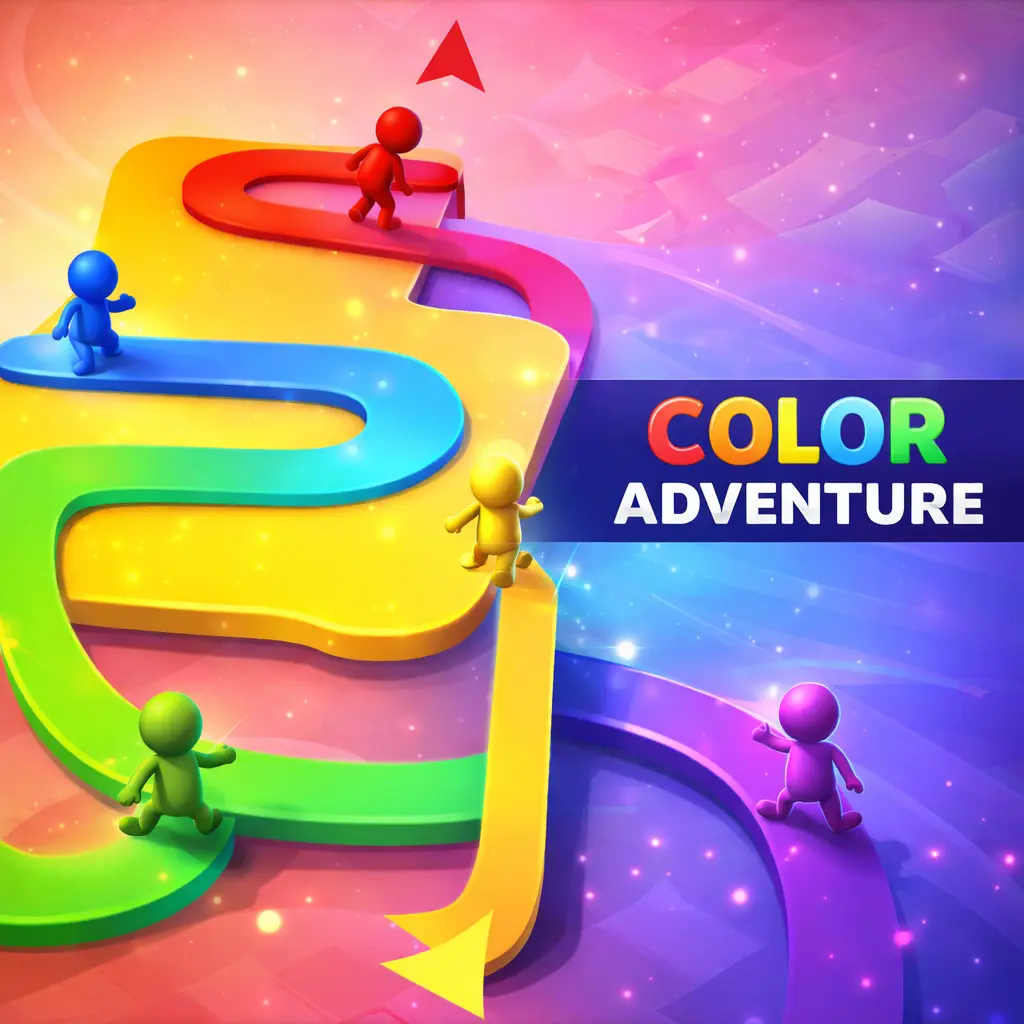
4. Color Adventure: Draw the Path: Continuous Motion with Instant Braking
Color Adventure: Draw the Path uses a press-to-move, release-to-brake mechanic. Holding your thumb down drives a colored cube forward along a winding narrow pathway, painting a line behind it. Releasing contact halts the cube instantly.
The level design builds tension through dynamic hazards: rotating barriers, swinging pendulums, and crossing vehicles. Because the cube accelerates quickly when held, the gameplay tests your ability to judge stopping distances. Releasing contact a split second before an obstacle sweeps past allows you to stop on the edge of the hazard zone, waiting for an opening before repressing the screen.
5. Zig Zag: Vector Reversal Along Elevated Ledges
Zig Zag strips navigation down to a single binary command. A rolling ball moves along an elevated narrow causeway suspended in space. With every tap, the ball alternates its diagonal vector by ninety degrees: from northeast to northwest and back.
There is no steering wheel and no variable acceleration. The challenge comes entirely from processing the path ahead and tapping at the precise vertex of each corner. If you tap prematurely, the ball veers off the track into empty space. If you tap late, it rolls over the outer lip. Because the track narrows as distance accumulates, rhythm and focus become the sole survival factors.
Choosing the Right Mechanic for Your Session
When picking a single-touch game for a brief pause, match your choice to the kind of engagement you want:
- Pure Reflex & Rhythm: Pick Knife Up or Zig Zag when you want high-speed focus where rounds last thirty to sixty seconds and demand full concentration.
- Spatial Evasion & Maneuvering: Pick Car VS Cops when you want continuous spatial interaction and dynamic sandbox evasion.
- Timing & Distance Estimation: Pick Color Adventure: Draw the Path or Dunk Fall Ball when you prefer pacing your own advances through measured stops and starts.
For players who prefer methodical deduction over reflex pressure, explore our detailed analysis of Minimalist Mechanics in Browser Puzzles or browse the full Hyper-Casual Collection.