Orbital Reflexes and Reversal Timing in Crazy Dot
Crazy Dot takes the simplest possible visual premise and turns it into a heart-racing arcade reflex test. Your character is a single dot traveling around a concentric circular track at high velocity. Every single click of the mouse, tap of the screen, or strike of the Spacebar instantly reverses your orbital spin from clockwise to counter-clockwise, or vice versa.
Your objective is to collect glowing yellow stars scattered around the ring while evading hostile red dots that patrol the circumference. While the opening ten seconds feel light and breezy, the game rapidly ramps up the tension. Each collected star increases orbital speed, tightens reaction windows, and spawns additional hazards that patrol the ring in alternating patterns.
Looking Behind Before You Hit the Reverse Switch
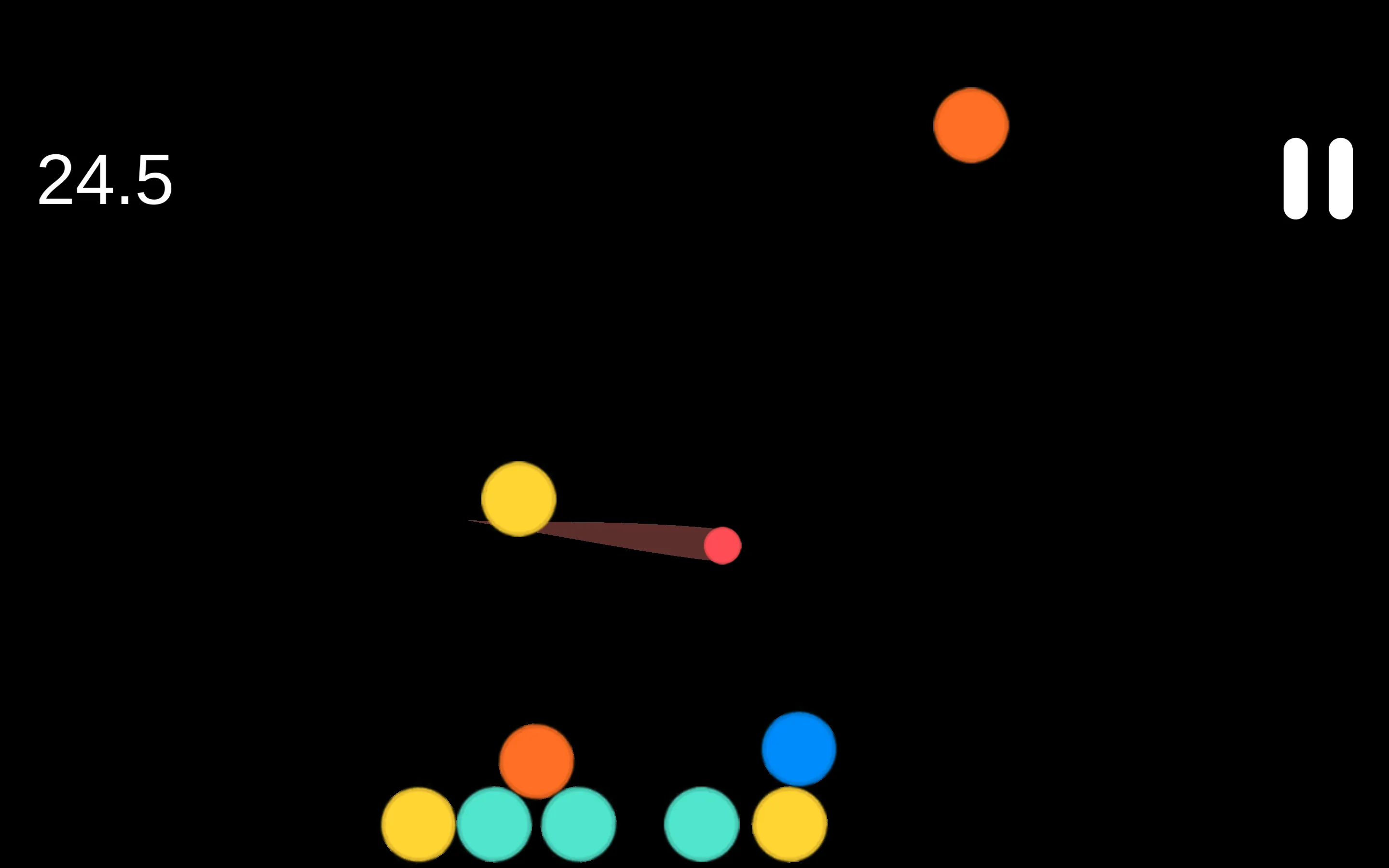
The most dangerous habit in Crazy Dot is forward-only vision. When a red hazard dot looms ahead on the track, instinct screams at you to tap immediately and reverse away. But a reversal changes your direction instantly. If a second hazard was trailing half a second behind your rear bumper, flipping your spin will drive you straight into a fatal collision.
Skilled players track both hemispheres of the ring simultaneously. Before you tap to escape an oncoming threat, verify that the trailing quarter-ring is completely clear. If a pursuer is close behind, wait an extra fraction of a second: let the trailing dot close the gap slightly while the forward dot passes, then execute your reversal into the widest available pocket of open track.
Star Economy and Speed Thresholds
Yellow stars are your scoring currency, but they are also what escalates game difficulty. Every ten stars triggers a noticeable speed spike. The track moves faster, hazard dots accelerate, and your reaction margin shrinks from half a second down to milliseconds. When approaching high scores, treat stars with calculated patience.
Never sacrifice your defensive positioning for a star. If a star spawns right next to a pair of patrolling red dots, do not sprint toward it. Let the hazards circle past, complete a full rotation along the safe side of the ring, and sweep through the star when the surrounding track is completely empty. Consistency and calm situational awareness will carry your score far higher than reckless speed runs.
Crazy Dot Orbital Strategy and Player Q&A
What happens when you tap the screen in Crazy Dot?
Tapping the screen or clicking the mouse instantly flips your dot orbital direction from clockwise to counter-clockwise, or vice versa, with zero deceleration delay.
Why do red hazard dots seem to change speed?
Hazard dots accelerate dynamically as your star tally climbs. Every ten collected stars unlocks a faster speed tier, requiring quicker directional inputs to stay clear of collision points.
How do you recover when two hazard dots box you in from both sides?
Find the gap with slightly more clearance. Move toward the hazard that is traveling in the same direction as you to maximize contact time, then flip direction the exact millisecond the oncoming hazard passes your coordinate.
Is it better to play on mobile or desktop?
Both platforms perform smoothly. Touchscreens offer ultra-low input latency for quick thumb taps, while desktop Spacebar taps allow for steady, rhythmic micro-timing during high-speed runs.