Matchup Reflexes and Streak Strategy in Rock Paper Scissor
Rock Paper Scissor takes the universal three-way hand game and packages it into a fast, rapid-fire browser arcade challenge. The core rule remains the same: Rock beats Scissors, Scissors beats Paper, and Paper beats Rock. What turns this familiar playground past-time into a gripping skill game is the addition of a strict countdown timer and streak multipliers. You do not have seconds to ponder; you must identify the opponent move and execute the counter within a tight time window.
Because the mechanical rules are completely balanced, the battle takes place in your reaction speed and pattern recognition. Hesitation is just as lethal as picking the wrong sign, because letting the countdown timer expire counts as an immediate loss.
Automating Your Counter Reflexes
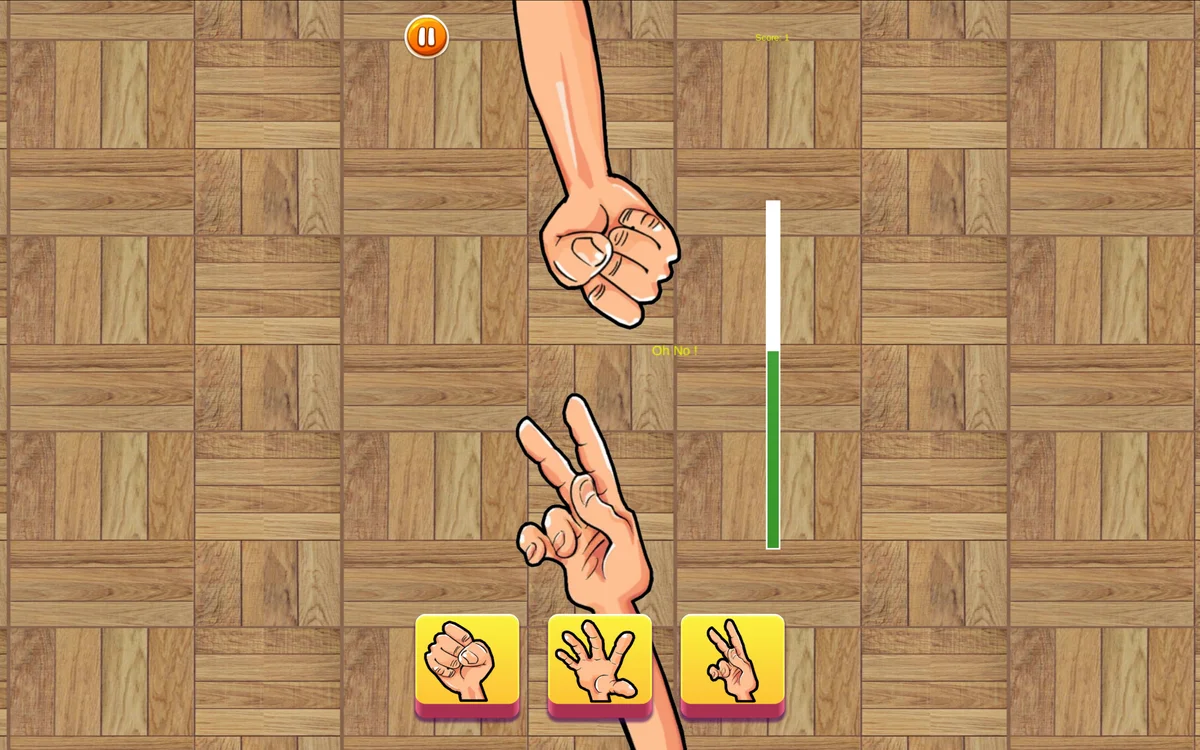
The biggest hurdle for new players is cognitive delay: seeing a symbol, translating what beats it, and then locating that button on screen. To build long winning streaks, you must eliminate the middle translation step. Your reaction should be direct: when you see Rock, your hand hits Paper; when you see Paper, your hand hits Scissors; when you see Scissors, your hand hits Rock.
Practice keeping your eyes locked on the opponent hand area while your fingers rest over the three selection buttons. On touchscreen phones, rest your thumbs lightly over the button row so you can tap without having to move your entire hand across the screen.
Reading Opponent Tendencies and Resetting on Ties
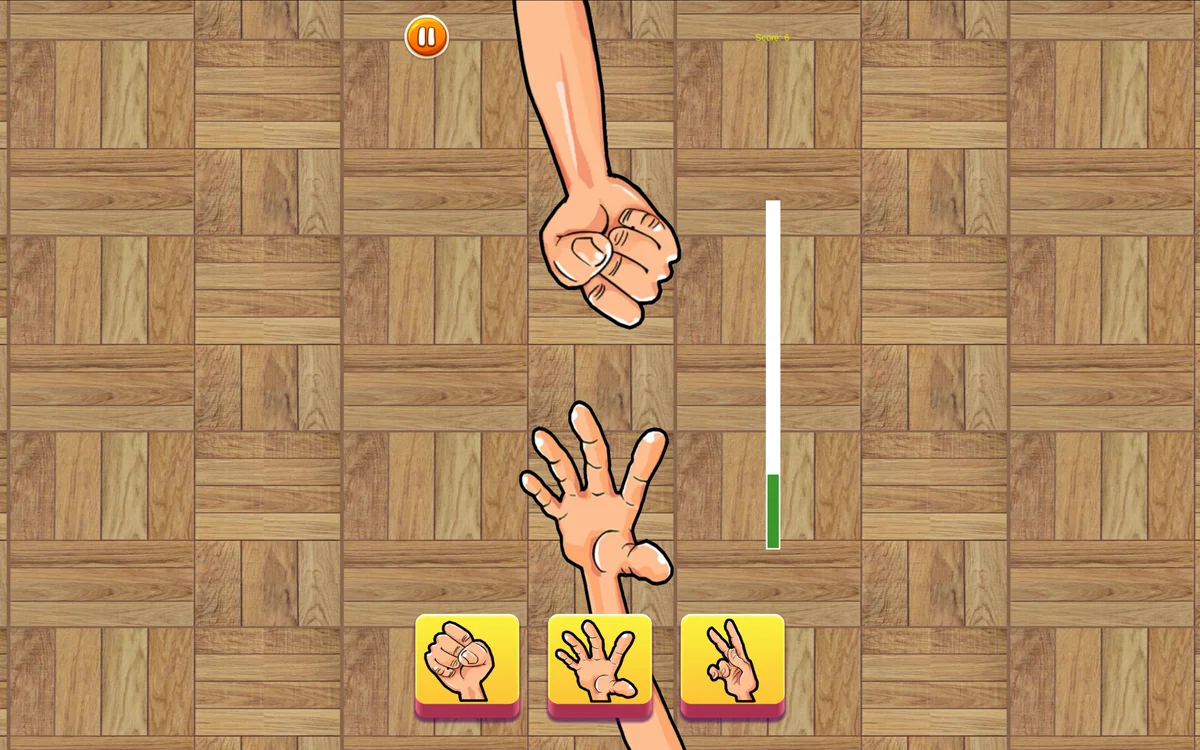
While basic computer algorithms might appear random at first glance, prolonged sessions often reveal subtle behavioral rhythms. Many bots alternate choices in a fixed cycle or avoid repeating the same choice three times in a row. Take mental notes of how your opponent reacts after a loss versus after a tie.
Ties present a unique psychological trap. When both players throw the same symbol, the round resets instantly. Beginners often throw the exact same symbol again, expecting the opponent to switch. A smarter tactic after a tie is to throw whatever would beat the symbol the opponent just threw, as human and simulated opponents frequently pivot to whatever sign beat their tied hand.
Maintaining Focus During High Streak Multipliers
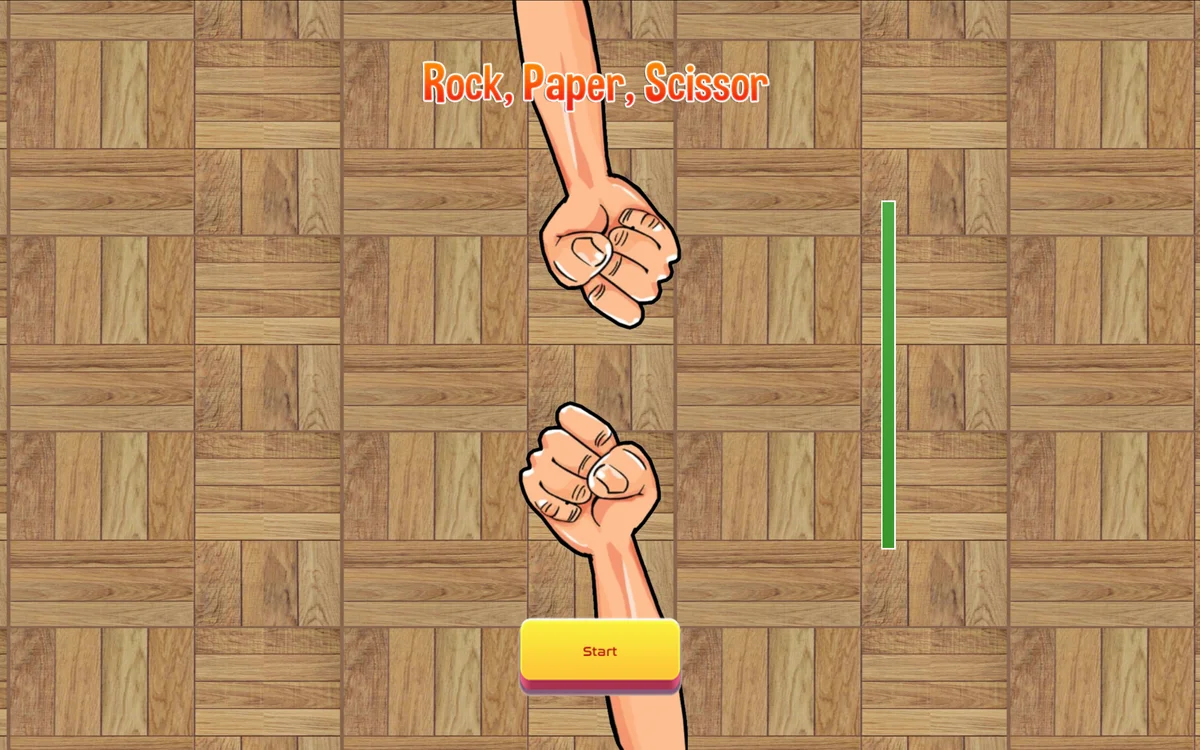
As your win streak climbs past five and ten rounds, the timer shrinks and score multipliers jump. At high streaks, adrenaline can cause players to tap prematurely, committing to a symbol before the opponent hand is even revealed. Guard against false starts. Take a deep breath between rounds, keep your pointer centered between the icons, and wait for the visual prompt before committing your tap.
On desktop keyboards or mice, keep your clicks short and crisp. On mobile displays, ensure your screen is clean of grease so your taps register with zero latency. Consistency, rapid pattern recognition, and calm focus are your keys to setting tournament-level high scores.