Lane Positioning and Crowd Control in Beat Em Up
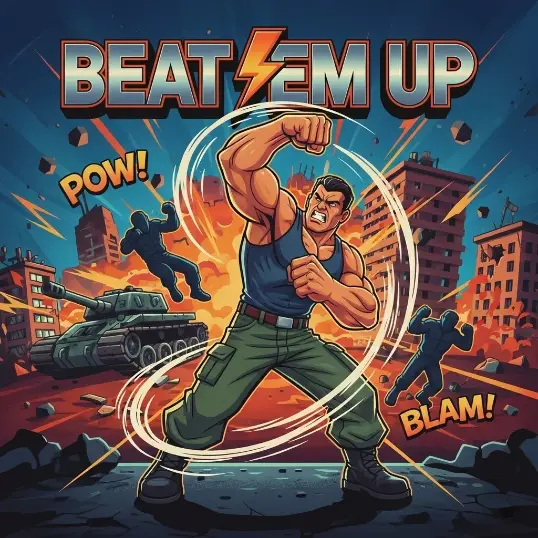
Beat Em Up brings the golden era of arcade street brawlers straight to your web browser. You step onto grimy city streets infested with aggressive street gangs, armed only with your fists, heavy boots, and whatever makeshift weapons you can grab off the pavement. The game uses a classic 2.5D plane: you can walk left and right along the sidewalk, but you can also move up and down to adjust your depth.
That vertical lane movement is the single most important tool in your arsenal. Beginners often treat the game like a standard 2D platformer, walking straight forward and mashing the punch button. If you stay on the exact same horizontal line as three rushing thugs, you will get hit before your second punch connects. Surviving long enough to face neighborhood crime bosses requires reading the whole street and controlling the flow of combat.
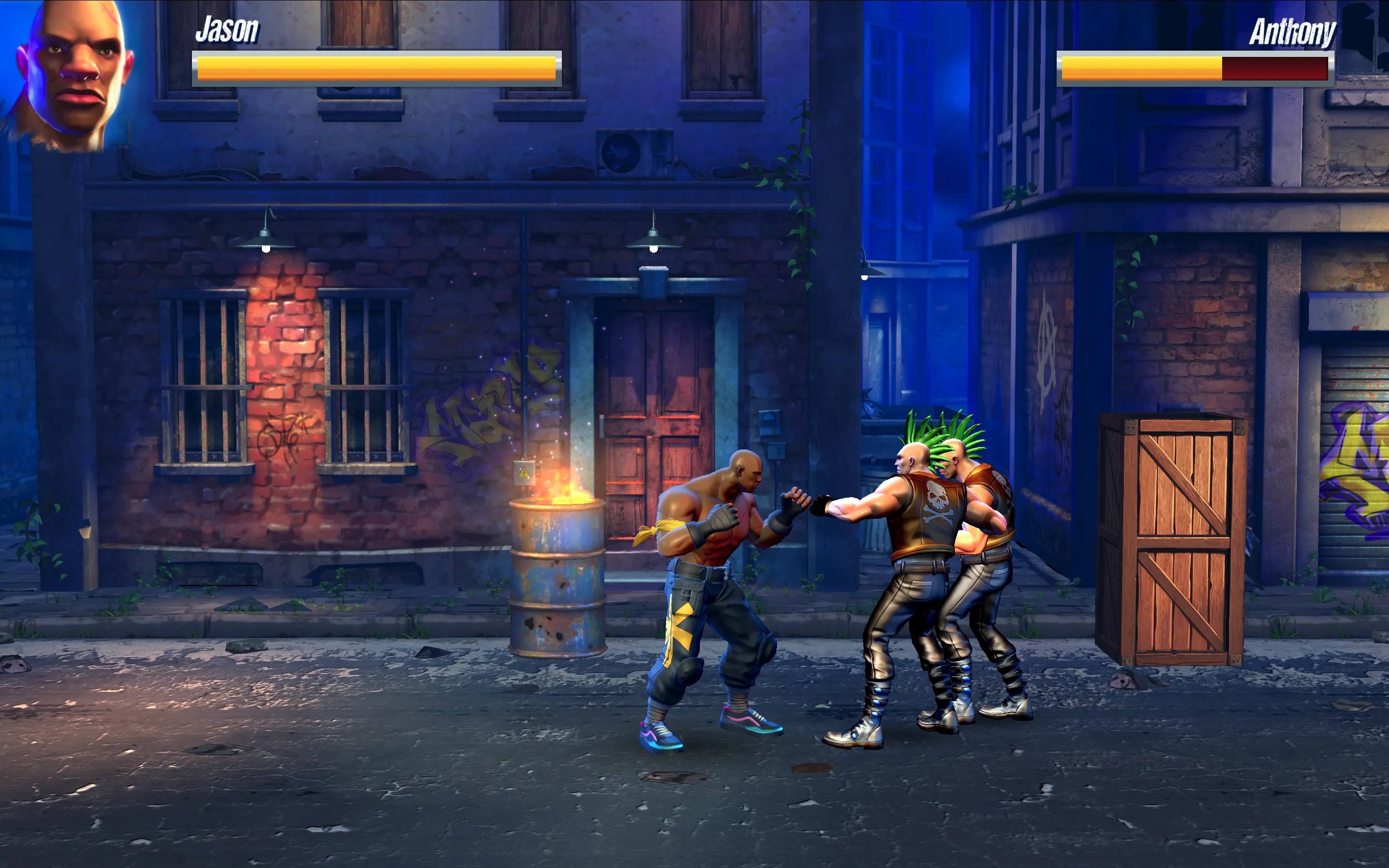
How Lane Depth and Spacing Work
Movement relies on WASD or the arrow keys, while the J key punches, K kicks, and Spacebar jumps. Because enemies can approach from both sides of the screen, staying centered in the street is a recipe for disaster. The moment an enemy steps onto your vertical plane, they immediately wind up an attack. If you take a step up or down, their attack swings harmlessly through empty air, leaving them completely vulnerable to a swift counter.
Work toward herding enemies into a single pack. Walk toward the edge of the screen, step up into the upper lane, and let pursuers follow you. As they bunch together, step back down to meet them. Punches deal rapid, steady damage at close range, while kicks offer slightly more reach to knock down aggressive opponents. Landing a full three-hit combo drops regular thugs to the ground, giving you a valuable two-second window to turn around and deal with anyone creeping up from behind.
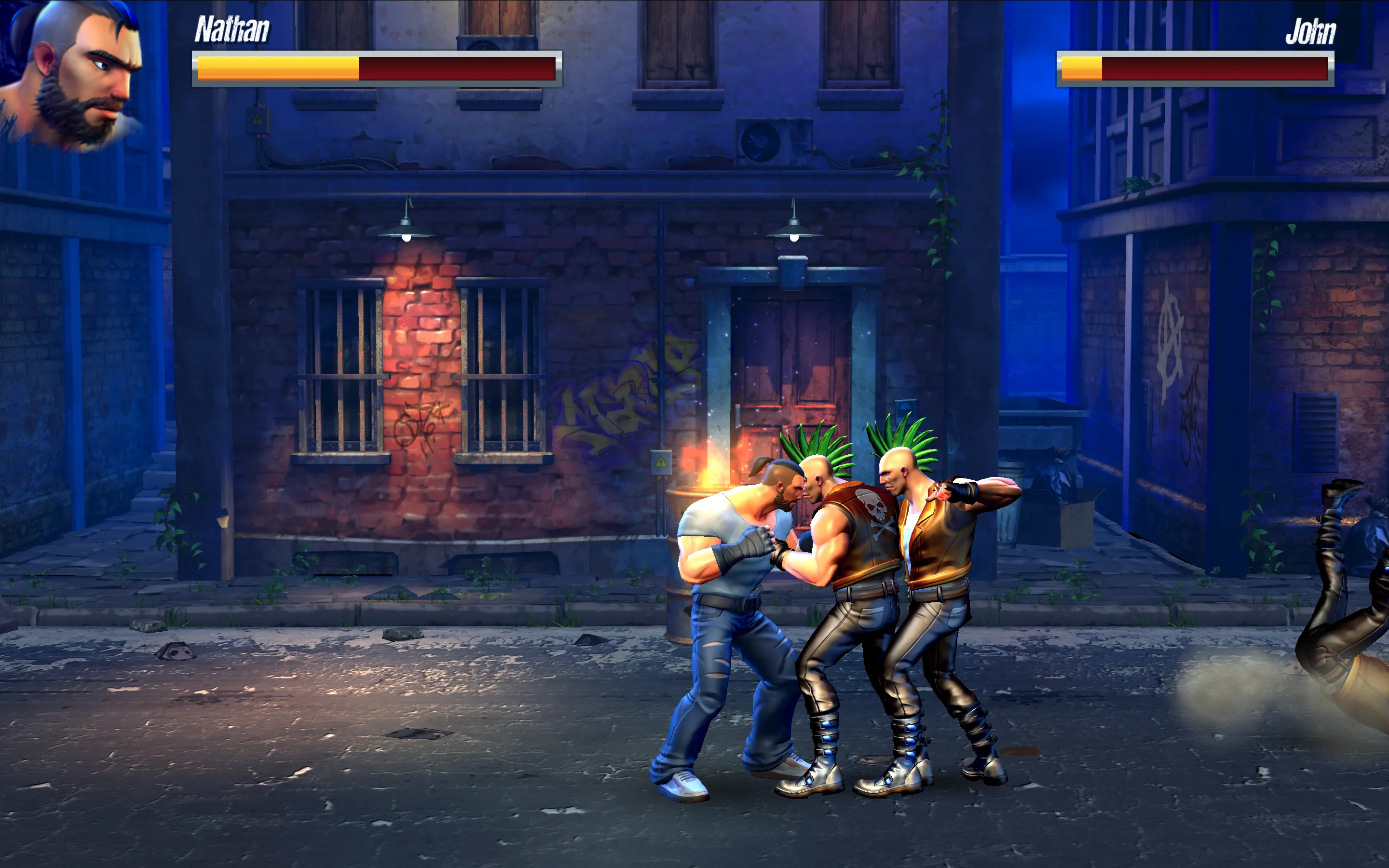
Handling Weapons, Jump Attacks, and Boss Encounters
Defeated enemies occasionally drop lead pipes, wooden clubs, and knives. Walk over a dropped item and press the punch key to pick it up. Melee weapons substantially extend your reach and hit multiple stacked enemies in a single swing. However, holding a weapon locks you into its attack animation, so drop or throw it if quick footwork is more urgent than heavy damage.
Jump kicks (Spacebar followed immediately by K) act as your primary emergency button. If you find yourself pinned between two thugs, a flying jump kick cuts right through the crowd and knocks enemies flat. When facing stage bosses with heavy health bars, do not try to trade blows head-on. Bosses often possess super armor during their heavy wind-ups. Instead, approach them from a slight vertical angle, land a quick combination, and immediately walk away before they trigger their counter-attack.
Beat Em Up Combat Strategy and Player Q&A
How do you stop thugs from surrounding you?
Never stand between two active enemies. Move continuously up or down to reset the lane, then walk toward the outer edge of the screen until all hostiles are in front of your fighter. Keeping enemies on one side allows your strikes to hit the entire group at once.
What is the difference between punches and kicks in combat?
Punches are faster and cycle through a rapid three-hit combo that deals high cumulative damage. Kicks have longer reach, making them ideal for intercepting charging enemies before they get within striking distance.
Can you pick up weapons dropped by fallen enemies?
Yes. Walk directly over a dropped pipe, bat, or knife and tap your punch key to equip it. Weapons grant superior reach and damage, though they can break or be dropped after taking heavy hits.
How should you approach stage bosses?
Avoid rushing bosses from a direct horizontal line. Approach from an upper or lower diagonal angle, strike with a two-hit combo, and step vertically away before the boss unleashes an unblockable retaliation swing.